
Pipedream
Pipedream is an integration platform that lets you build and run workflows that integrate applications and data. You can connect Pipedream’s VTS integration with other applications to create workflows and send SMS messages when triggered.
To start using VTS with Pipedream, you’ll need
- A Pipedream account
- Your VTS Auth ID and Auth Token: You can find your VTS Auth ID and Auth Token on the overview page of the VTS console.

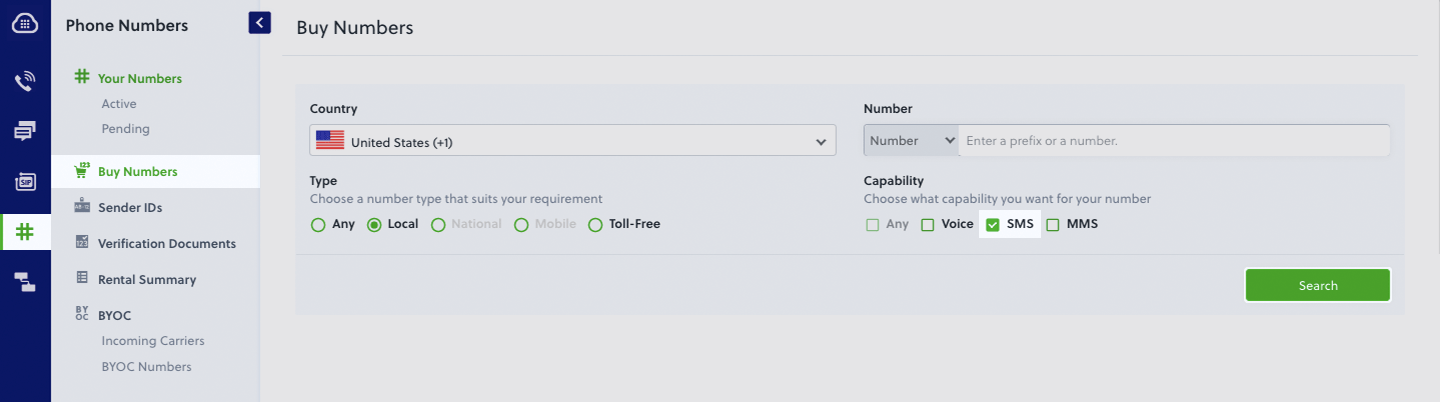
- A VTS Number (optional): You must have an SMS-enabled VTS phone number to send SMS messages to numbers in the US and Canada. Purchase numbers from the Phone Numbers page of the VTS console, or by using the PhoneNumber API.
Send an SMS message
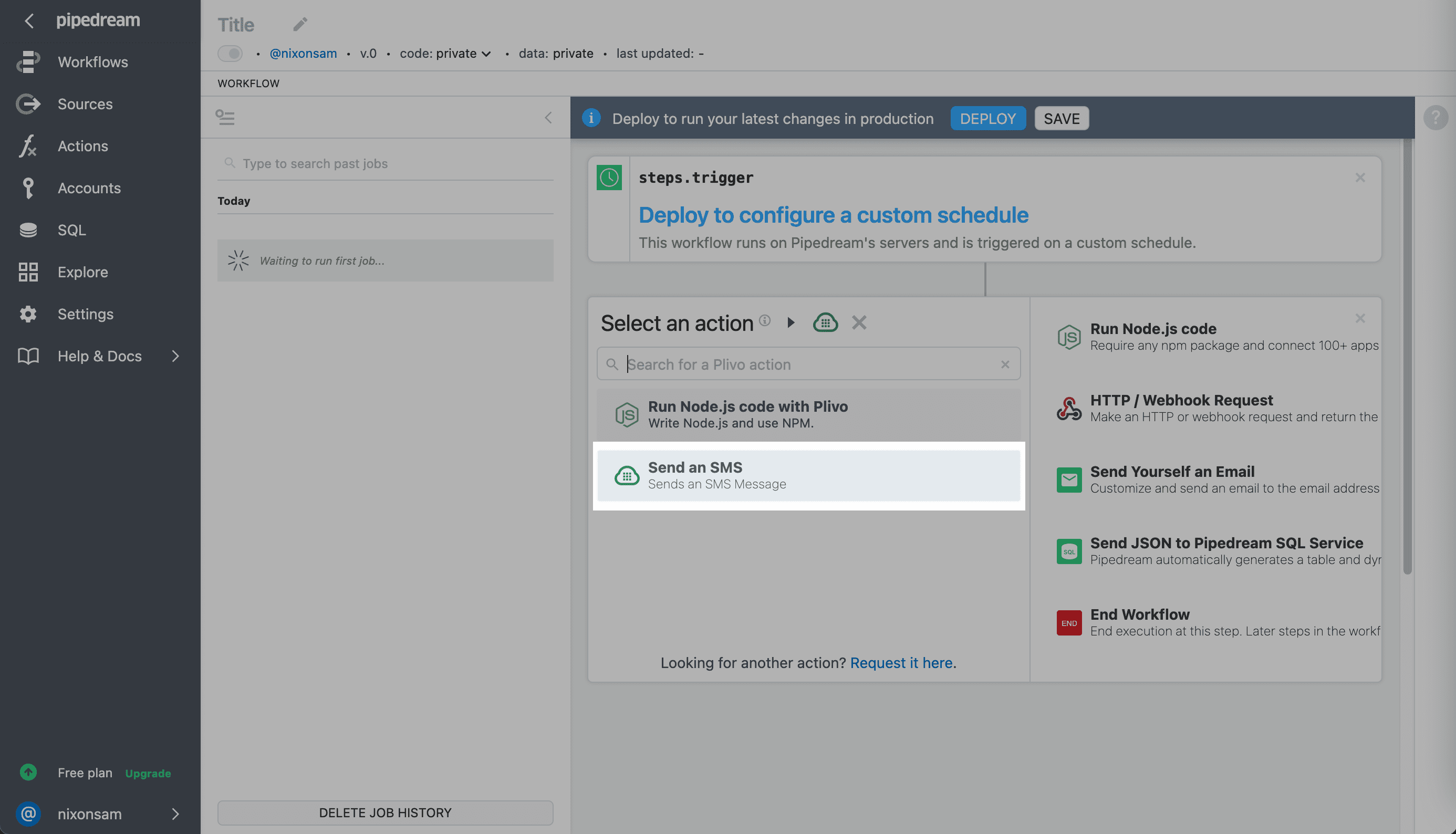
You can create a workflow and add VTS as a step to send SMS messages for various events by using the Send an SMS action.
Rate this page
🥳 Thank you! It means a lot to us!
×
Help Us Improve
Thank you so much for rating the page, we would like to get your input
for further improvements!
Subscribe to Updates
Thank you for your feedback!